A 2,127-file Terraform repository went through the ComplyRim IaC Compliance Validator in the vendor's scale test. The scan took between 141 and 180 seconds, the reports took about 30 more, and it produced 44,780 findings. On their own, none of those findings is audit evidence.
That last line is the point of this post, and it is not the line a product launch usually leads with. A list of failed checks is exactly what the engineer fixing the bucket policy needs, and a longer list would not change what an auditor can do with it. We are saying so in the second paragraph because the people who buy audit tooling can tell when a vendor is dodging it.
What the Validator changes is the question the output answers. A scanner answers "which checks failed?" An auditor asks "which control does this support, and where is the evidence?" Those are different questions, and the gap between them is where most compliance teams spend the quarter before an audit.
What a scanner answers, and what an auditor asks
Run an IaC scanner against a Terraform repo and you get check IDs, each attached to a resource and a line number, each marked pass or fail. The engineer who has to fix the bucket policy can work straight from that list. The auditor cannot.
SOC 2's Trust Services Criteria are written as control objectives. "Block public access on every S3 bucket" is a check. "The entity restricts logical access" is a control. One control is usually supported by many checks, and a check only becomes evidence once someone has written down which control it belongs to, when the scan ran, which scanner version produced it, and how the auditor can confirm that the file in their hands is the file the scan produced.
Most teams close that gap with a spreadsheet. Somebody exports the scanner output and types a control ID next to each row. The spreadsheet is undated, it is not versioned with the code, and the controls no check could ever test quietly fall off the sheet because nobody had a row for them. You have probably built a version of it yourself.
Two numbers, never one
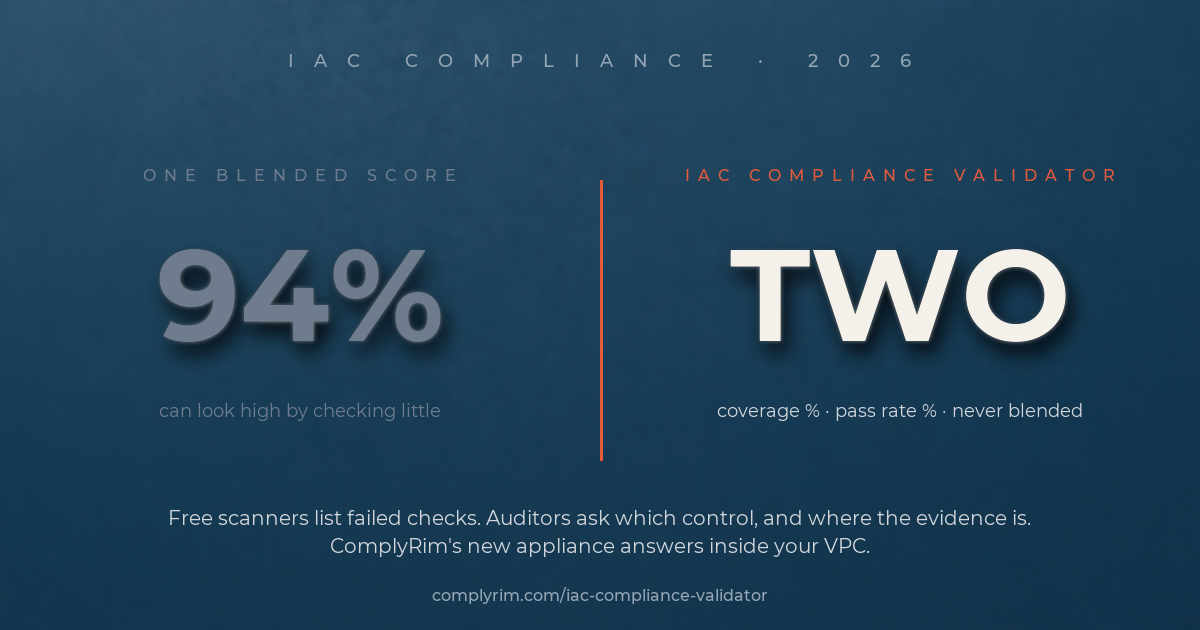
Here is the design decision we think matters most. The Validator reports two numbers per framework and refuses to blend them.
Coverage is the share of a framework's in-scope controls that infrastructure code can speak to at all. Pass rate is the share of the covered controls that currently pass. A single score hides the difference. A 94% can mean that 94% of the framework was evaluated and passed, or it can mean that three controls were checked and two of them passed. A single score can look high by checking little.
The coverage ceilings are fixed by the Validator's signed crosswalk, and they are lower than a sales page would like:
- SOC 2 (TSC 2017): 5 of 23 in-scope controls, a ceiling of 21.7%
- HIPAA Security Rule (45 CFR 164 Subpart C): 8 of 26, a ceiling of 30.8%
- FedRAMP Moderate (NIST 800-53 Rev 5): 10 of 147, a ceiling of 6.8%
- CMMC 2.0 Level 2 (NIST 800-171 Rev 2): 23 of 63, a ceiling of 36.5%
Read the FedRAMP line again. A 100% pass rate from your Terraform evidences 6.8% of the Moderate baseline and says nothing about the other 93.2%. Everything above the ceiling is organizational, procedural, physical or runtime, and the report lists it as NOT ASSESSED instead of leaving it off the page. That register is the to-do list for the rest of your evidence package. We would rather hand you a short, honest list than one tall blended score.
Never evaluated is never passed
Keeping the numbers honest takes a few rules, and the appliance enforces them rather than leaving them to policy.
A check that was never evaluated never counts as a pass. If your Terraform has no CloudTrail resource, the logging controls read "not evidenced", not "satisfied". Parse errors and skipped checks are never passes either.
A waived control is shown as WAIVED, never as SATISFIED. The person who proposes a waiver cannot approve it, every waiver carries an expiry of at most 365 days, and there is no such thing as a permanent one.
The audit log is insert-only and hash-chained, with a "Verify chain" check, so the history of scans and waivers cannot be edited after the fact.
What the Validator does
The product is an AMI that runs in your own VPC. It is the first ComplyRim product that is not SaaS. You launch it from a CloudFormation template (a Terraform module is also provided), and the defaults are a private subnet, no public IP, IMDSv2, no SSH and deny-by-default egress. Admin access goes through AWS Systems Manager. The appliance reads source text only and never connects to your AWS account. No IaC or evidence leaves your VPC.
Point it at Terraform or CloudFormation, including the synthesized output of the AWS CDK, and it scans the code, then maps every result through the signed crosswalk to control IDs in SOC 2, the HIPAA Security Rule, FedRAMP Moderate and CMMC 2.0 Level 2. Each control gets one of five states: SATISFIED, VIOLATED, PARTIAL, WAIVED or NOT ASSESSED. Each finding carries the file, the line, the severity, the check ID and the resource.
Every scan produces a SHA-256-digested evidence package: an executive PDF, a full PDF, a JSON export, a findings CSV and a manifest that lists every file with its digest. A GitHub Action gates pull requests on new findings, with line annotations, a job summary and a sticky PR comment. It was tested end to end on a self-hosted runner.
Small scans finish in seconds. The 2,127-file repository from the opening paragraph is the largest case in the user guide, at roughly three minutes plus reports.
What it does not do
We would rather you read this list here than discover it in week two.
- It is not sold as a better scanner. Finding failed checks is not the hard part. The crosswalk, the scoring, the waivers, the evidence package and the audit log are the product.
- It does not write remediation code. A finding tells you the file and the line. The fix is your pull request.
- It scans Terraform and CloudFormation only, including CDK output. If your repository also holds Kubernetes manifests or Helm charts, they are not part of the scan.
- The evidence files contain only crosswalk-mapped findings, which in the vendor's own audit was 45 to 55 percent of failed checks. The dashboard shows all of them.
- It is not a certification. The report says so on its own first page: evidence about declared IaC configuration, not a certification, attestation or audit opinion.
- The Basic plan scores SOC 2 and HIPAA only. FedRAMP Moderate and CMMC 2.0 Level 2 need the Standard plan or above.
Where it fits next to the tools you already run
If you run Drata or Vanta, keep running them. Drata has offered Terraform scanning inside its platform since 2024, and Vanta generates Terraform fixes for failing cloud tests. The Validator does not plug into either; its JSON export is generic. The difference is where it runs and what it reports. It runs inside your VPC with read-only access to source and no write access to your repository. It reports FedRAMP Moderate and CMMC 2.0 Level 2 control IDs, keeps coverage and pass rate as two numbers, carries a NOT ASSESSED register, and has a price on the listing.
The closer pairing is with our own Compliance Readiness Snapshot. CRS reads the AWS account as deployed. The Validator reads the code before deploy. The controls the Validator marks NOT ASSESSED or runtime-only are, in practice, the controls CRS covers, which is why we expect most teams to run both. The code tells you what was declared; the account tells you what is there.
Pricing, plans and how to start
There are three plans, each on a one-month contract through AWS Marketplace, with EC2 and EBS billed separately by AWS:
- Basic, $800 per month: 50 scans a month, SOC 2 and HIPAA, 3 users, a 30-day audit log, us-east-1 and us-west-2.
- Standard, $1,500 per month: 250 scans, all four frameworks, 10 users, 90 days of audit log.
- Professional, $3,000 per month: unlimited scans and users, all four frameworks, one year of audit log.
Twelve-month contracts are also on the listing. The minimum instance is m5.large, and c6i.2xlarge is recommended for larger repositories. Allow about an hour from purchase to first scan. Need a free trial? Request a private offer at aws@complyrim.com.
See the IaC Compliance Validator on complyrim.com, or subscribe directly on AWS Marketplace. For the runtime half of the evidence package, pair it with the Compliance Readiness Snapshot.